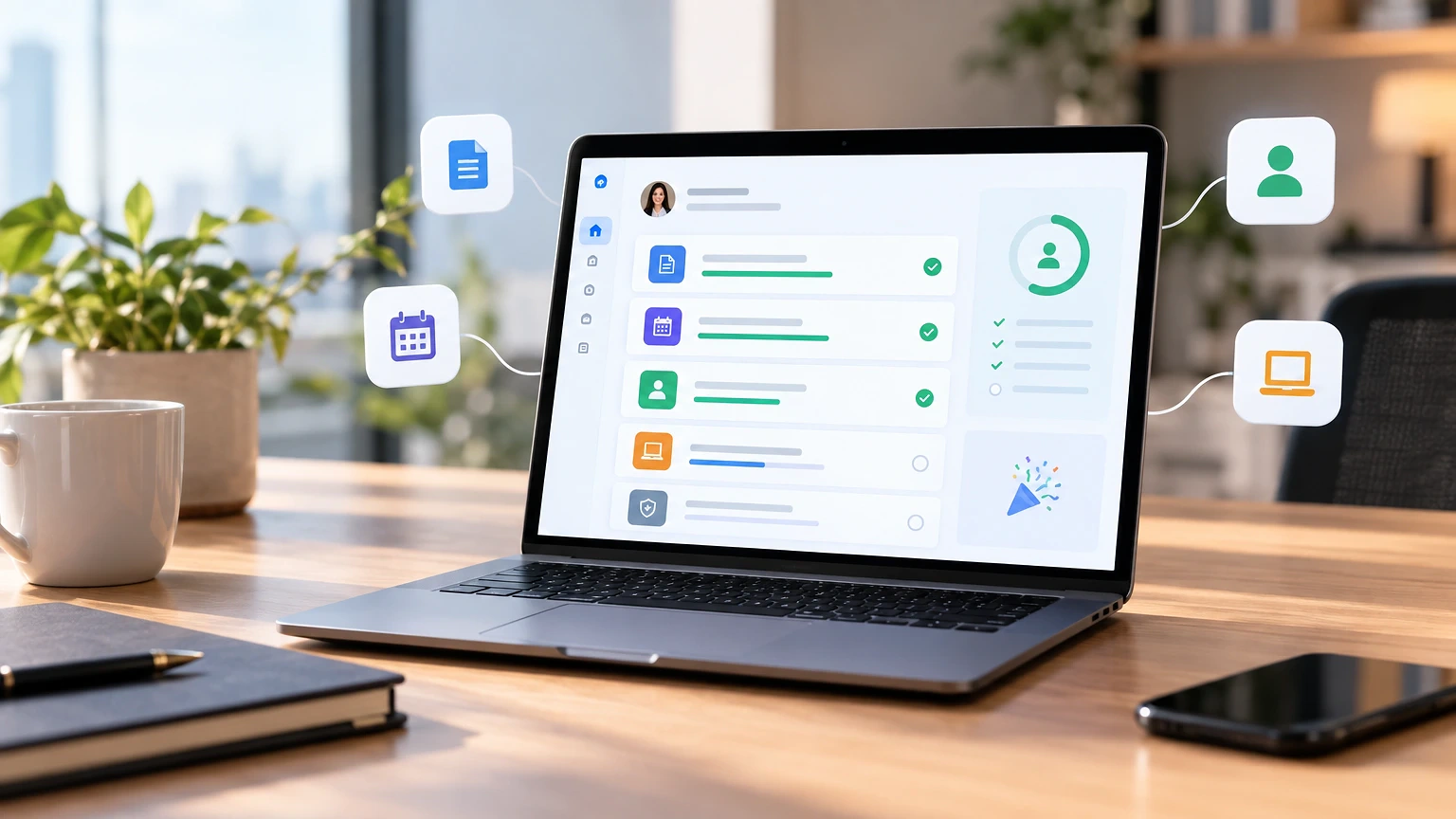
Does employee onboarding software actually cut turnover, or is that just what vendors tell you? The honest answer: it helps, but only if someone owns the process behind it. Software organizes tasks; it doesn’t build culture or write your offer letters.
If you’re comparing tools right now, you need real pricing, not “contact sales,” and you need to know which platforms fail small teams versus which ones fail enterprise ones. That’s what this piece covers.
What Employee Onboarding Software Actually Does
Picture a new hire’s first Monday. HR sends a laptop that arrives Wednesday. IT provisions accounts a day late. The manager forgot the 9am welcome call.
Onboarding software exists to stop that exact sequence. It automates account provisioning triggers, sequences paperwork so I-9s and W-4s get signed before day one, and sends reminders to managers who’d otherwise forget the welcome call entirely.
Good platforms connect to your HRIS (Human Resources Information System) and your identity provider, so a new hire’s Slack, email, and payroll setup fire from one workflow instead of five disconnected requests. The best ones also track completion, so you can see which manager never assigned a mentor or which new hire hasn’t finished compliance training by day 30.
What it doesn’t do is replace judgment. Software won’t tell you the new sales rep is confused about commission structure unless someone asks them. Treat it as infrastructure, not a substitute for a manager actually checking in.
Comparing the Main Platforms
Pricing in HR tech is messy on purpose. Vendors quote per-employee-per-month rates that shift based on headcount tiers, contract length, and which modules you bundle. Below are the numbers you can actually verify from public pricing pages, current as of this year.
| Platform | Starting Price | Best Fit | Poor Fit For |
|---|---|---|---|
| BambooHR | Custom quote, historically ~$6-8/employee/month on Core plan | Companies of 25-500 needing HRIS plus onboarding in one | Enterprises needing deep ATS (Applicant Tracking System) integration |
| Rippling | Starts around $8/employee/month for core HR, IT modules add cost | Fast-growing companies wanting HR and device/app provisioning combined | Small teams that don’t need IT management bundled in |
| Gusto | Plans from $49/month base plus $6-12/employee/month depending on tier | Small businesses running payroll and onboarding together | Companies over 200 employees needing advanced workflow customization |
| Workday | Enterprise quote-based, typically five to six figures annually | Large enterprises with complex approval chains | Startups and small teams; overkill and slow to configure |
| ClickUp (as onboarding workflow tool) | Free tier available, paid plans from $7/user/month | Teams wanting flexible checklists without a dedicated HRIS | Companies needing built-in payroll or benefits administration |
Notice the pattern: nobody publishes exact enterprise pricing because it’s negotiated. Treat any number above as a starting point, not a quote you can bank on.
Six Things To Check Before You Buy
Vendor demos are built to hide weaknesses. Ask these questions during the sales call, not after you’ve signed.
- Does it integrate with your existing payroll provider? If you run ADP or Paychex, confirm the integration is live and bidirectional, not a CSV export workaround.
- Can it handle state-specific compliance documents? A company hiring in California and Texas needs different new-hire paperwork triggers. Ask for a live example, not a feature checklist.
- What happens when a hire falls through mid-process? Rescinded offers happen. Check whether the workflow cleanly cancels account provisioning or leaves ghost accounts behind.
- How long does implementation actually take? Vendors say “two weeks.” Ask three existing customers directly, if the sales rep will connect you.
- Is there a mobile experience for the new hire? Many first-day tasks (tax forms, ID uploads) happen better on a phone than a work laptop that hasn’t arrived yet.
- What’s the real per-seat cost at your headcount? Get the number in writing for your exact employee count, not the marketing page’s smallest tier.
Skipping this list is how companies end up locked into annual contracts for tools that don’t talk to their payroll system.
Building A Pre-Boarding Sequence That Works
Here’s a common failure: a new hire signs their offer on a Friday, and nothing happens until they walk in the following Monday. Ten days of silence. That gap is when people get cold feet or take a counteroffer.
A working pre-boarding sequence starts the day the offer is signed. Automate a welcome email within an hour, not a day. Include the start date, parking or remote-access instructions, and a single point of contact for questions.
Five days before start date, trigger equipment shipping and account creation requests. Two days before, send a short “what to expect” note covering dress code, first-day schedule, and who they’ll meet. This isn’t complicated logic. It’s sequencing that most manual processes simply forget to do.
Here’s a copyable pre-boarding email template:
Subject: Excited to have you starting [Month Day]
Hi [Name],
We’re looking forward to your first day on [date]. Here’s what to expect:
– Start time: [time], location or video link: [details]
– You’ll meet with [manager name] first, then the team at [time]
– Bring: [ID for I-9, laptop if remote, etc.]
– Questions before then? Reply here or call [phone number]
See you soon,
[Sender name]
Platforms like BambooHR or Rippling can trigger this automatically off the signed-offer date. If you’re not using software yet, a calendar reminder and a saved template accomplish the same thing manually, just slower.
Where Manual Onboarding Actually Falls Apart
Spreadsheets aren’t inherently bad. The failure point is almost always handoffs between departments.
HR finishes their checklist and assumes IT saw it. IT provisions accounts and assumes the manager scheduled orientation. The manager assumes HR sent the benefits paperwork. Nobody owns the full picture, so gaps get discovered by the new hire, on their first day, which is the worst possible moment.
This is the actual case for onboarding software: it’s not that spreadsheets can’t hold a checklist. It’s that spreadsheets can’t ping someone at 8am with “IT account not yet provisioned, start date is today.” Software makes the handoff visible and time-bound.
Compliance tracking follows the same pattern. A manual process might catch a missing I-9 form during a quarterly audit, three months too late. Automated tracking flags it on day four. Rules on I-9 timing and retention vary by classification, and the U.S. Citizenship and Immigration Services publishes current form requirements. Confirm specifics with your employment counsel; this isn’t legal advice, and requirements differ depending on your state and whether you’re hiring internationally.
Measuring Whether Onboarding Actually Worked
Most companies track onboarding completion rate and stop there. That tells you whether paperwork got signed, not whether the hire is actually settling in.
Better signal comes from three checkpoints: a 30-day manager check-in, a 90-day retention flag, and a new-hire satisfaction pulse at day 14. Most employee engagement survey tools can run that pulse. Good onboarding software feeds the results straight back to the hiring manager. Ask the new hire directly: “What’s still unclear about your role?” That single question surfaces more than any dashboard.
A Gallup report on employee engagement (2023, U.S. workforce) found engagement levels tied closely to how clearly new hires understood expectations in their first weeks, not just whether tasks were completed. That’s a process point, not a software feature. No tool fixes a manager who never explains what “good” looks like in the role.
Track time-to-productivity if your role allows it, sales quota attainment, support tickets closed, code shipped. That’s a lagging indicator, but a useful one. If new hires in a given department consistently miss ramp targets, the onboarding checklist probably isn’t the problem. The role definition or the manager’s availability likely is.
Getting Onboarding Right Long-Term
Software handles the mechanical parts well: task sequencing, document collection, account provisioning, compliance reminders. It does not build relationships, explain unwritten team norms, or catch the quiet frustration of a new hire who’s afraid to ask a “dumb” question in week two.
The companies that get onboarding right treat the software as scaffolding, not the finished structure. They still assign a real human buddy. They still run a 30-day conversation that isn’t just a survey link. They still audit their own checklist every few quarters, because roles change and the process quietly goes stale.
If you’re choosing a platform, pick the one that fits your headcount and integration needs today, not the one with the most features you might grow into eventually. A five-person startup doesn’t need Workday; a 400-person company probably shouldn’t run onboarding off spreadsheets and hope.
Frequently asked questions
What size company actually needs onboarding software?
Once you’re hiring more than one or two people a month, manual tracking starts dropping details, missed IT tickets, late paperwork, forgotten check-ins. Most HR practitioners see the tipping point around 20-30 employees, though a fast-hiring startup at 10 people can hit that same wall sooner. Below that, a well-maintained checklist template often works fine.
How much does employee onboarding software typically cost?
Pricing usually runs per-employee-per-month, ranging from roughly $6 to $12 for small-to-midsize platforms like Gusto or BambooHR, while enterprise systems like Workday are quote-based and often reach five or six figures annually. Always confirm current pricing directly with the vendor for your exact headcount, since published rates shift with contract length and bundled modules.
Can onboarding software replace an HR person?
No. It removes repetitive coordination work, chasing signatures, scheduling reminders, provisioning accounts, but someone still needs to design the process, handle exceptions, and have actual conversations with new hires. Companies that try to run onboarding entirely on autopilot usually end up with technically complete but culturally hollow first weeks.
Does onboarding software help with legal compliance?
It can flag missing documents and enforce deadlines, which reduces the chance of a form slipping through unnoticed. It cannot make compliance determinations for you, and requirements around forms like the I-9 or state-specific new-hire reporting vary by jurisdiction. Confirm specifics with employment counsel rather than relying on software defaults.
How long should a full onboarding process take?
Most structured programs run from the signed offer through the first 90 days, with the heaviest activity in the first two weeks. Some organizations extend structured check-ins to six months for complex or senior roles. There’s no universal number here; it depends on role complexity and how much ramp time the job genuinely requires.