
Does hr software for small business even matter once you’re under 30 people? Most founders assume spreadsheets and a shared drive will hold until headcount forces their hand. They’re usually wrong, and the breaking point arrives earlier than expected.
The real question isn’t whether you need it. It’s which parts of HR are costing you hours and which are costing you exposure. Those are different problems with different fixes.
Signs You Need HR Software for Small Business
Picture this: it’s open enrollment, and you’ve got three versions of the same benefits tracker floating between you, your office manager, and whoever handles payroll this quarter. Someone’s dependent info is wrong. Nobody’s sure which version is current.

That’s the moment most small businesses start looking at HR software for small business seriously. Not at 10 employees. At the point where one person can no longer hold the whole picture in their head, usually somewhere between 15 and 40 staff.
Spreadsheets fail quietly at first. A missed I-9 reverification. A manager who never got the updated harassment policy. An employee whose PTO balance was calculated wrong for six months because the formula broke when someone inserted a row. None of these show up until an audit, a resignation, or a complaint forces a look back.
Software doesn’t eliminate human error. But it does create a timestamped record, a single source of truth, and alerts before deadlines pass instead of after. That’s the actual value, not the dashboards.
HR Software for Small Business: Core Modules Worth Paying For
Not every HR platform feature matters to a 25-person company. Here are the six that consistently justify their cost, in rough order of impact.
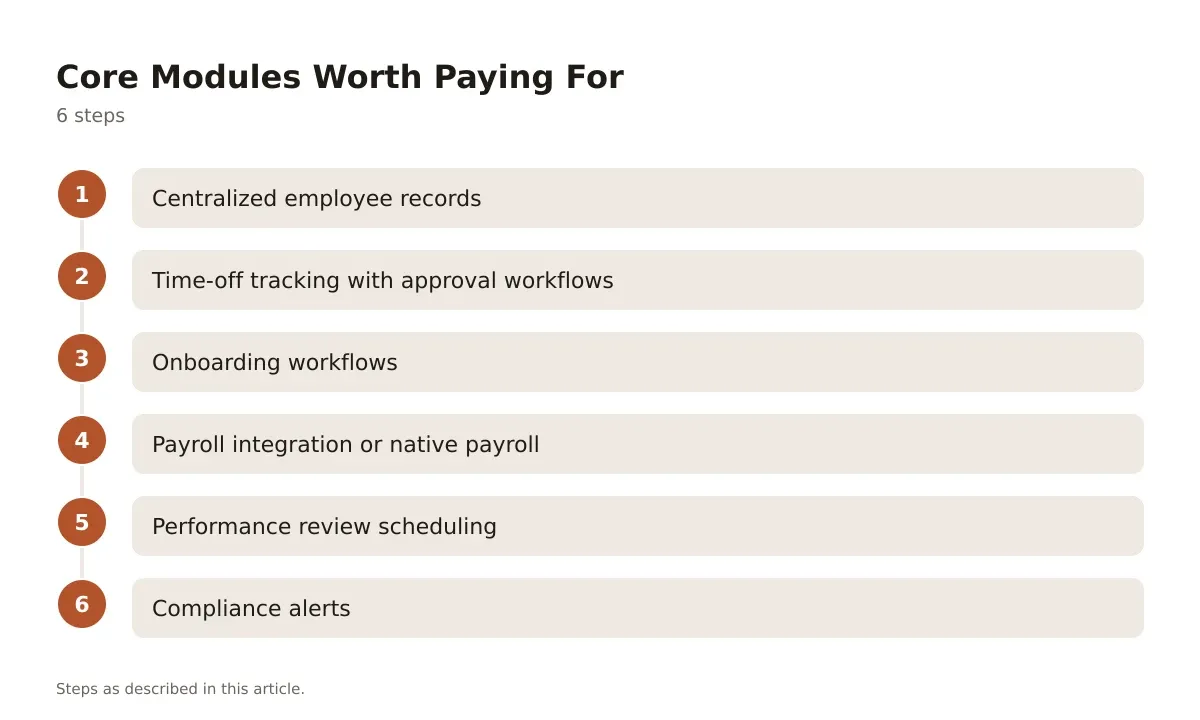
- Centralized employee records – one profile per person, with document storage for offer letters, signed policies, and I-9s. This replaces the folder-per-employee system most small teams default to.
- Time-off tracking with approval workflows – automated accrual math and a visible team calendar. Manual PTO tracking is where most pay disputes originate.
- Onboarding workflows – new hires complete paperwork before day one, and IT, manager, and payroll tasks trigger automatically from a single hire event.
- Payroll integration or native payroll – whether it’s built in or synced with a tool like Gusto, payroll errors are the fastest way to lose employee trust.
- Performance review scheduling – recurring review cycles with templates, so reviews happen on a cadence instead of whenever someone remembers.
- Compliance alerts – reminders for required postings, policy acknowledgments, and state-specific filing deadlines.
Everything past these six, like advanced analytics or org-chart visualizations, is nice but rarely the reason a small business buys software in the first place.
Comparing HR Software for Small Business: Tools People Shortlist
Pricing structures vary enough that a head-to-head table tells you more than feature lists do.
| Tool | Starting Price | Best Fit | Fits Badly For |
|---|---|---|---|
| Gusto | Simple plan starts around $49/month base plus $6 per person, per Gusto’s pricing page | Payroll-first teams under 50 staff | Companies needing deep performance management |
| BambooHR | Quote-based, typically billed per employee | Mid-size teams wanting strong reporting and ATS | Very small teams on tight budgets |
| Rippling | Starts at a base fee plus per-employee pricing, quote-based for full HR suite | Companies that also need IT/device management bundled in | Solo HR admins wanting something simple |
| Zenefits (now TriNet HR Platform) | Tiered plans, quote-based | Benefits-heavy small businesses | Teams wanting transparent public pricing |
| GoCo | Quote-based, per-employee pricing | Businesses wanting flexible, customizable workflows | Teams that want payroll natively built-in without add-ons |
Gusto fits badly for a company that’s already outgrown simple payroll and wants layered approval chains or detailed competency-based review cycles. BambooHR fits badly for a five-person startup that doesn’t want to pay for reporting depth it won’t use yet. Rippling fits badly for a lean HR team that finds its IT-and-device bundling more complexity than benefit.
Always confirm current pricing directly with the vendor. Published rates shift, and most of these tools quote final pricing based on headcount and add-ons at the proposal stage.
A Copyable Onboarding Checklist
Here’s a template you can paste into whatever system you use, software or not.
Before day one:
- Offer letter signed and filed
- Background check cleared
- I-9 Section 1 completed by employee
- Equipment ordered (laptop, badge, accounts)
- Manager notified of start date and first-week plan
Day one:
- I-9 Section 2 completed by employer within 3 business days
- Handbook acknowledgment signed
- Benefits enrollment packet sent
- Payroll direct deposit form submitted
- Intro meeting with manager and team scheduled
First 30 days:
- 30-day check-in scheduled with manager
- Required training modules assigned (harassment prevention, safety, role-specific)
- Performance expectations documented in writing
- Access to internal systems confirmed and tested
This sequence works whether you run it through BambooHR’s workflow builder or a shared checklist. The point is that nothing depends on memory.
Quick Q&A: What Founders Actually Ask
Do I need HR software if I only have 8 employees? Probably not yet, unless you’re already losing track of PTO balances or compliance deadlines. A shared calendar and a document folder can hold until 12-15 people.
Can one tool handle payroll, benefits, and performance reviews? Some can. Gusto and Rippling both bundle payroll with HR workflows, though performance review depth varies and is often the weakest module in payroll-first platforms.
What happens if we outgrow the tool we pick? Most vendors support data export, but migration always costs time. Ask about export formats before you sign, not after you need to leave.
Is free HR software worth using? Free tiers usually cover basic employee records and time-off tracking, not compliance alerts or integrated payroll. They work for very early-stage teams, then stop scaling fast.
Policy Wording You Can Reuse
Vague policies cause more disputes than strict ones. Here’s PTO policy language that’s held up well across small teams:
“Full-time employees accrue 1.25 days of paid time off per month, up to a maximum of 15 days per calendar year. Unused PTO [carries over up to 5 days / does not carry over – specify per state requirements]. PTO requests should be submitted at least two weeks in advance except in cases of illness or emergency.”
That bracketed carryover line matters. Some states, including California, restrict “use it or lose it” policies entirely, while others allow them. This is exactly the kind of clause to run past employment counsel in your state before publishing, since paid time off rules differ significantly by jurisdiction and change periodically.
A second one worth having on file is remote work eligibility:
“Remote work arrangements are approved at manager discretion based on role requirements and team needs. Employees working remotely are expected to maintain the same availability and response times as in-office staff during core hours of [9am-3pm local time].”
Both of these are easy to drop into an employee handbook module inside tools like GoCo or BambooHR, where acknowledgment tracking confirms who’s actually read them.
Rolling Out HR Software for Small Business the First Time
Most failed HR software rollouts aren’t a tool problem. They’re a sequencing problem.
The common mistake: migrating every employee record at once, on a Friday, with no test group. Payroll breaks, someone’s benefits don’t sync, and the whole team loses trust in the system before it’s had a chance to prove itself.
A better sequence starts with a pilot group of 5 to 10 employees for two weeks. Run time-off requests and one onboarding cycle through the new system while the rest of the company stays on the old process. Fix what breaks quietly before the full switch.
Before go-live, confirm three things: historical PTO balances imported correctly, payroll integration is tested with a dummy pay run, and managers know how to approve requests without calling someone for help. If managers need a walkthrough document, write one. A single-page guide beats a training session nobody remembers a month later.
For businesses comparing full platforms rather than single modules, a broader HR software comparison for small businesses is worth reading before you commit, since feature overlap between tools is larger than vendor pages suggest.
Making Your HR Software for Small Business Decision Stick
The right HR software for small business isn’t the one with the most features. It’s the one that matches your actual headcount, your payroll complexity, and the two or three workflows eating the most time right now.
Buy for where you’ll be in 18 months, not where you are today, but don’t overbuy for a hypothetical 200-person future that may never arrive. Pricing scales per employee on nearly every platform, so overbuying has a real monthly cost attached to it.
Whatever you choose, the migration sequence matters as much as the tool itself. A good platform rolled out badly creates the same chaos as the spreadsheet it replaced. If you want to see how current tools stack up feature by feature, a detailed HR software rundown covers that ground in more depth than a single article can.
Frequently asked questions
What size business actually needs HR software?
Most small businesses start feeling the pain between 15 and 40 employees, when one person can no longer track PTO, compliance deadlines, and onboarding from memory or spreadsheets alone. Below that, a shared calendar and document folder often still work fine.
How much does HR software typically cost per employee?
Pricing varies by vendor and bundle, but per-employee monthly fees commonly sit in the range published on each provider’s own pricing page, often with a separate base platform fee on top. Gusto, for example, lists a base fee plus a per-person monthly charge on its public pricing page, while several competitors only quote pricing after a sales call.
Can HR software replace an employment lawyer?
No. These tools can store policies, send reminders, and track acknowledgments, but they don’t interpret employment law for your specific state or country. Always confirm policy wording and compliance obligations with qualified counsel before publishing anything employees will sign.
Is it worth switching HR software once you’ve already picked one?
Switching costs time and risks data loss during migration, so it’s rarely worth doing for minor feature gaps. It becomes worth it when the current tool can’t handle your headcount, lacks compliance alerts for your state, or payroll integration keeps breaking.
Do free HR software plans work for a growing team?
Free tiers usually cover basic records and time-off tracking but skip compliance alerts and deeper payroll integration. They’re fine for a handful of employees, but most teams outgrow them within a year or two as headcount and complexity increase.