
It’s the third Friday of the month, and someone on your team is manually re-keying hours from a spreadsheet into your payroll system again. You catch the error before it goes out. Next month, you might not. Payroll automation software is built to take that risk off your desk.
That’s the moment most HR leaders start shopping for payroll automation software. This guide walks through what it actually fixes, what it costs, and which tools handle which company sizes well, so you’re not guessing.
Why Manual Payroll Keeps Breaking Down
Payroll looks simple from the outside. Hours in, paycheck out. In practice it’s a chain of handoffs: timesheets, PTO balances, tax withholding, benefits deductions, garnishments, multi-state rules. Every handoff is a place for a number to get copied wrong.
A common failure pattern: an hourly employee works overtime in a state with daily overtime rules, not just weekly ones. Someone running payroll manually in a spreadsheet applies the weekly rule because that’s what the formula was built for. The employee gets underpaid. Nobody notices until the employee complains, or worse, until an audit.
Payroll automation software doesn’t eliminate judgment calls, but it does remove the repetitive data entry where most errors start. It pulls hours directly from time-tracking, applies tax tables automatically, and flags anomalies, like a paycheck that’s 40% higher than the employee’s average, before the run finalizes.
The point isn’t to remove people from payroll. It’s to let the person running payroll spend their time reviewing exceptions instead of retyping numbers that were already correct in another system.
Six Problems Payroll Automation Actually Solves
Here are the six issues that show up most often in payroll audits and the specific way automation addresses each one.
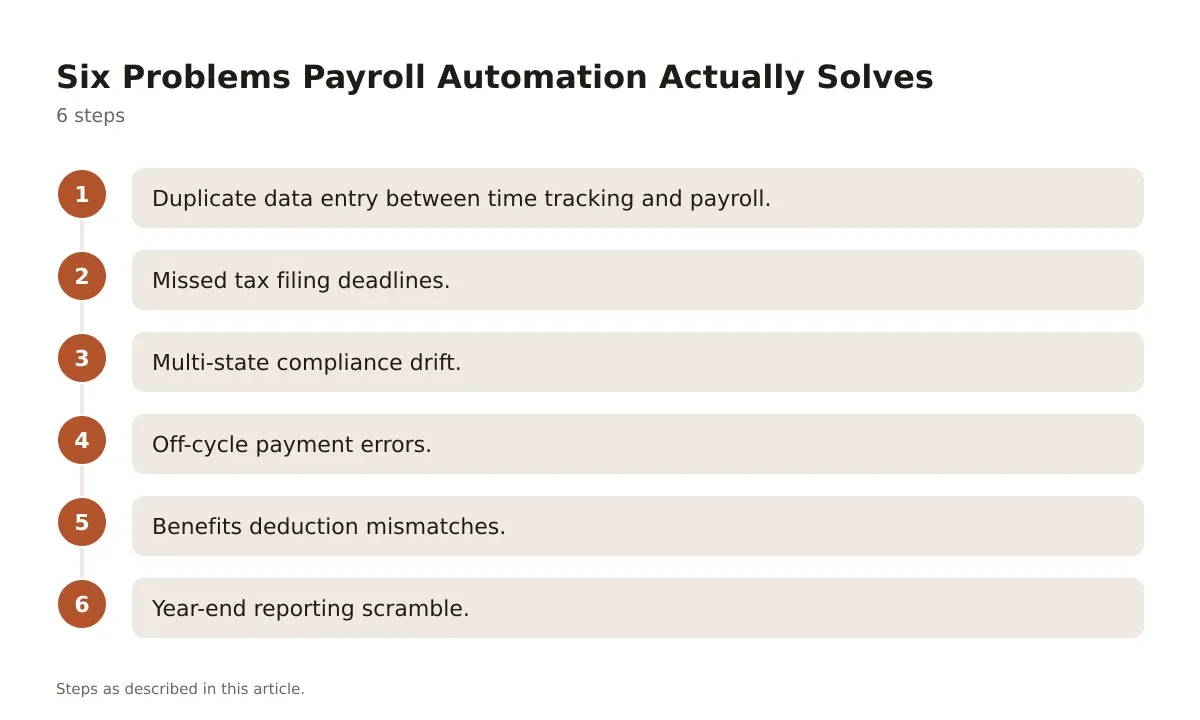
- Duplicate data entry between time tracking and payroll. Tools like Gusto and Rippling sync directly with time-tracking apps, so hours flow in without anyone retyping them.
- Missed tax filing deadlines. Automated platforms calculate and file federal, state, and local payroll taxes on a set schedule, and most carry a filing-accuracy guarantee.
- Multi-state compliance drift. When an employee moves states or a company hires remotely, the software updates withholding and unemployment insurance registration requirements automatically, rather than relying on someone to remember the new state’s rules.
- Off-cycle payment errors. Bonuses, corrections, and final paychecks get run through the same tax engine as regular payroll, so the same math applies every time.
- Benefits deduction mismatches. Integrations with benefits administration platforms keep deduction amounts synced when an employee changes plans mid-year.
- Year-end reporting scramble. W-2 and 1099 generation happens continuously through the year instead of as a January fire drill.
None of this replaces a knowledgeable payroll person. It just means that person is checking exceptions flagged by the system, not rebuilding every calculation from scratch each pay period.
How to Evaluate a Payroll Platform Before You Buy
Most vendor demos look great. The gap shows up three months in, when an edge case hits that the sales rep didn’t mention.
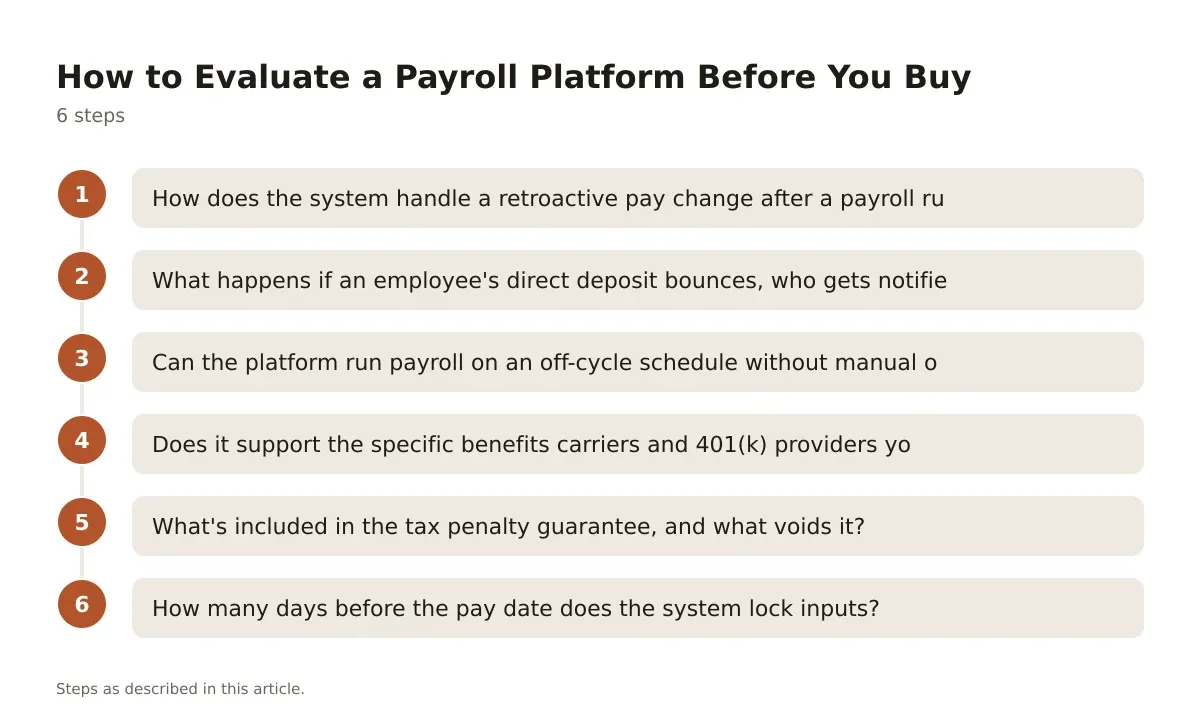
Ask these questions during evaluation, and get the answers in writing, not just verbally from a sales rep:
- How does the system handle a retroactive pay change after a payroll run has already been submitted?
- What happens if an employee’s direct deposit bounces, who gets notified, and how fast?
- Can the platform run payroll on an off-cycle schedule without manual override from support?
- Does it support the specific benefits carriers and 401(k) providers you already use?
- What’s included in the tax penalty guarantee, and what voids it?
- How many days before the pay date does the system lock inputs?
That last question matters more than it sounds. Some platforms lock payroll data two full business days before pay date. If your business runs approvals on a tighter cycle, you’ll be fighting the software’s calendar every cycle.
Note: Always confirm payroll tax deadlines and state-specific filing requirements with the IRS and your state’s department of revenue, or with payroll counsel. Rules differ by state and change year to year.
Comparing the Main Payroll Automation Platforms
Pricing structures vary a lot between these tools, and the “best” one depends entirely on company size and complexity. Here’s how the major players stack up.
| Platform | Pricing model | Best fit | Fits badly |
|---|---|---|---|
| Gusto | Plans start around $49/month base plus $6/employee/month (Simple plan, per Gusto’s pricing page) | Small businesses, 1-50 employees | Companies needing complex multi-entity payroll across many countries |
| Rippling | Starts around $8/employee/month for payroll, billed modularly | Fast-growing companies that want HR, IT, and payroll in one system | Very small teams that don’t need the broader platform and end up overpaying for unused modules |
| ADP Workforce Now | Quote-based, scales with employee count and modules selected | Mid-size to large companies with complex compliance needs | Early-stage startups that need speed and simplicity over deep configurability |
| Paychex Flex | Quote-based, tiered by feature set | Businesses wanting strong in-person support alongside software | Teams that want a fully self-serve, no-phone-calls experience |
| QuickBooks Payroll | Plans starting around $45/month plus $6/employee/month (Core plan, per Intuit’s pricing page) | Small businesses already using QuickBooks for accounting | Companies with payroll needs outside the US, since international support is limited |
A few patterns worth noting. Gusto and QuickBooks Payroll both fit small, single-state or simple multi-state businesses well, and their pricing is transparent on the vendor site, unlike the quote-based model from ADP and Paychex.
Rippling earns its reputation with growing teams because payroll, device management, and benefits all live in one record, which cuts down on the sync errors that happen when three separate vendors each hold a different version of an employee’s start date.
ADP Workforce Now and Paychex Flex both lean toward larger, more complex organizations, where dedicated support reps and configurable compliance rules matter more than a clean self-serve signup flow. Confirm current pricing directly with each vendor, since plans and tiers shift over time.
Rolling Out Automated Payroll Without Breaking Trust
Switching payroll systems is one of the few HR projects where a mistake shows up in someone’s bank account. That makes the rollout plan matter as much as the tool itself.
Start with a parallel run. Process one full payroll cycle in both the old and new systems simultaneously, and compare every paycheck line by line before you cut over. This catches configuration errors, like a misapplied tax jurisdiction, before they touch a real paycheck.
Communicate the change early and plainly. A short note works better than a long one:
“Starting next month, payroll will run through [new system]. Your pay date doesn’t change. You’ll get a new login email on [date]. If your paycheck looks different from what you expect, contact [name] immediately, don’t wait for the next cycle.”
Audit the first three live cycles closely, not just the first one. Errors in pay period two often come from recurring deductions, like garnishments or HSA contributions, that didn’t carry over cleanly from the legacy system.
Common Rollout Questions, Answered Briefly
How long does a payroll software migration typically take?
Most migrations for small and mid-size companies take four to eight weeks from contract signing to first live payroll run, depending on how many integrations need to be configured. Complex multi-state or multi-entity setups can run longer.
Who should own the migration internally?
Usually HR or people ops leads the project, with finance reviewing tax setup and IT handling integrations like SSO and time-tracking connections. One named owner, not a committee, keeps decisions moving.
What’s the biggest mistake companies make during cutover?
Skipping the parallel run to save time. It feels redundant right up until it catches a misconfigured tax jurisdiction or a benefits deduction that didn’t map correctly.
Where Payroll Automation Still Needs a Human
Even the best payroll automation software needs a person who understands the underlying rules, because software applies logic, it doesn’t interpret ambiguity.
A garnishment order with unusual terms, a new state’s paid leave mandate that just took effect, a dispute over whether a worker is a contractor or an employee: these all need a person with payroll or legal knowledge to make the final call. The software can flag the situation. It can’t resolve the judgment call behind it.
That’s why most serious implementations still involve a payroll specialist or outside provider reviewing exceptions weekly, even once automation handles the routine runs. The goal isn’t a payroll process with zero human eyes on it. It’s one where human attention goes to the handful of situations that actually need it, instead of the 95% of entries that were always going to be correct anyway.
Getting the Most From Your Payroll System
Payroll automation software earns its keep by removing repetitive, error-prone manual entry, not by making payroll a fully hands-off process. The companies that get the most value treat the software as a tool that surfaces exceptions, while a knowledgeable person still reviews anything unusual before it goes out the door.
Pick a platform based on your actual complexity, not your aspirational headcount. A ten-person company doesn’t need ADP Workforce Now’s full compliance stack, and a 300-person multi-state employer will outgrow QuickBooks Payroll fast. Match the tool to where you are now, with an honest look at where you’ll be in eighteen months.
Whatever you choose, confirm current pricing, tax filing guarantees, and state-specific compliance features directly with the vendor and with qualified payroll or legal counsel before signing. Rules and plans change, and this article shouldn’t be your only source before you commit.
Frequently asked questions
Does payroll automation software file taxes automatically?
Most major platforms, including Gusto, Rippling, and QuickBooks Payroll, calculate and file federal, state, and local payroll taxes as part of their standard service. Confirm exactly which filings are included, since some local or industry-specific taxes may require manual setup or an add-on.
Is payroll automation software worth it for a five-person company?
Often yes, since even small teams benefit from automatic tax filing and reduced manual entry, and platforms like Gusto are priced specifically for small businesses. The calculation changes if your team is entirely in one state with simple, salaried pay, where manual processing might still be manageable short-term.
Can payroll automation software handle contractors and employees together?
Yes, most platforms support both W-2 employees and 1099 contractors, usually with 1099 filing included or available as an add-on. Check whether contractor payments count toward the per-employee pricing, since some vendors charge differently for contractor seats.
What happens if the payroll software makes a tax filing error?
Many vendors, including Gusto and QuickBooks Payroll, offer a tax penalty guarantee covering filing errors caused by the platform itself. Read the guarantee’s fine print carefully, since errors caused by incorrect data entered by your team are usually excluded.
How do I know if my company needs multi-state payroll features?
If you have even one remote employee working from a different state than your registered business address, you likely need multi-state payroll support for tax withholding and unemployment insurance purposes. Confirm specific state registration and filing requirements with your state’s department of revenue or with payroll counsel, since rules vary significantly by state.
If budget is the sticking point, our round-up of free payroll software for small business covers the lower-cost end of the market.